Personalized Xmas cards for business: messages and AI design
Business Christmas cards need one audience, greeting, and visual direction. Choose a Christmas message or neutral holiday greeting. Put the message and brand on the Front. Use the Back for sender details and a short note. Add an optional labelled URL or QR destination.
MARKFOLDS creates Front and Back digital artwork from your brief. It does not print, mail, fulfil, or merge recipient lists. Review copy and destinations.
Updated
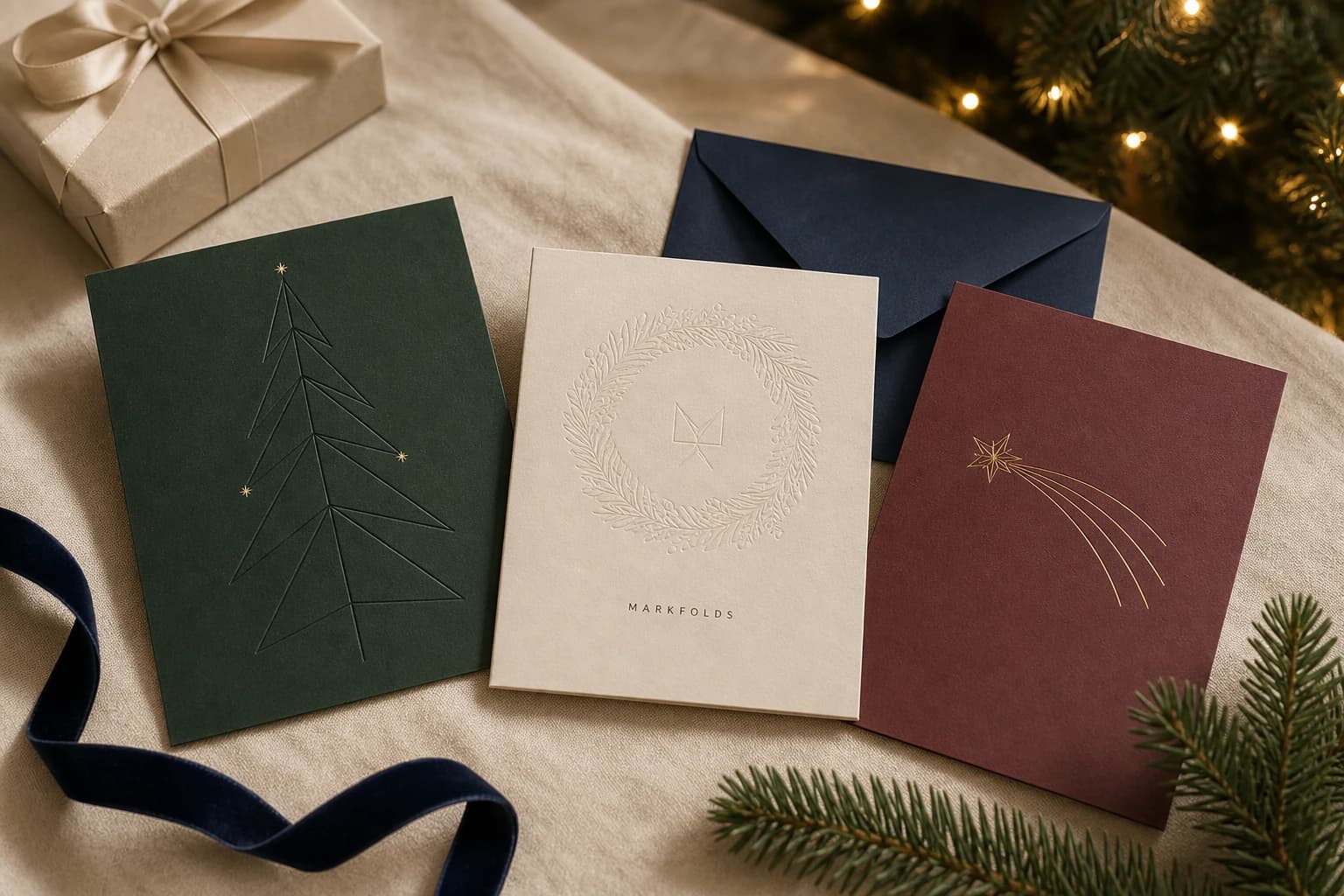
Illustrative personalized Christmas card directions built around one message and one seasonal motif.
Choose the audience and greeting
Christmas cards for business thank one group. Corporate Christmas cards can thank clients for trust, business partners for shared work, or colleagues for their care. Avoid a sales pitch.
Match Christmas card greetings for business contacts to the audience and brand voice. Use neutral holiday messages for corporate holiday cards sent to mixed groups. See the tone FAQ.
Use these original business Christmas card messages to celebrate the season. Replace bracketed items with approved details:
“Merry Christmas from everyone at [Brand]. Thank you for being part of our year.”
“Warm holiday wishes from [Brand]. We appreciate your trust and look forward to supporting you in the new year.”
“Season's greetings, and thank you for the care you brought to our work together this year.”
“Warm wishes for the season and the year ahead — from [Brand].”
Before using an Xmas card generator, gather the approved greeting, sender details, company logo, and brand colours. Business holiday cards with logo treatment should identify the sender without crowding the message.
For simple Christmas card designs, choose one motif, palette, and type style. Give personalized Xmas cards and personalized holiday cards a personal touch.
Use the AI Christmas card generator
To design your own Christmas cards, prepare your approved brief in MARKFOLDS:
Sign in and enter the brand or project name and sender details.
Choose Holiday greeting card, then select Christmas under Holiday.
Use optional Slogan within 80 characters. Put the audience, approved message, and visual direction in Artwork direction. Review generated wording.
Choose the intended size, orientation, and visual style.
An optional PNG or JPEG reference can guide both card sides. Use one image, 1 MiB maximum, with each dimension no larger than 2048 pixels. Reattach the image after reload or sign-in.
Generate and review the coordinated Front and Back pair.
Review spelling, dates, brand details, URLs, and QR destinations. Follow the current card workflow. A Christmas card generator does not approve copy. Check Christmas card templates too; MARKFOLDS has no ready-made template gallery.
Compare illustrated and photo-led Christmas card designs
Personalized Christmas cards can use type, patterns, or illustration. Christmas photo cards and holiday photo cards need an approved image and permission to use it.
A reference guides style, palette, or subject. It does not guarantee unchanged photo placement, exact likeness, or a multi-photo collage. For exact photo placement, use a separate layout tool.
Check ratio, crop, and trim areas. Keep key content inside the safe area. These concepts show no printed customer work.
Give the Front and Back separate jobs
Use the Front for the greeting, sender, and main image. The Back can carry a signature or support link. Label any static QR code using the business's supplied URL. State what the scan opens and test it on more than one device.
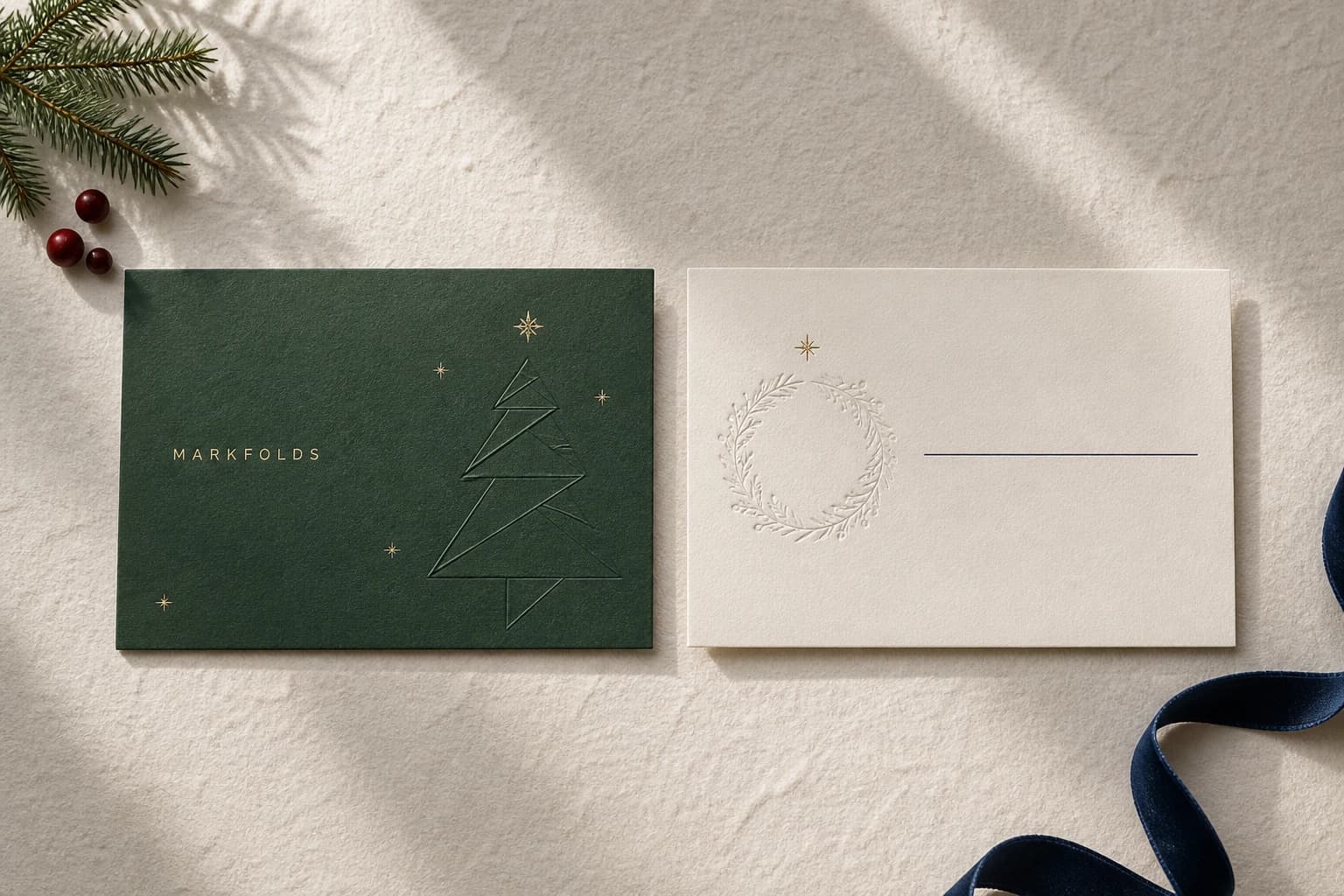
Give custom Xmas cards and DIY Christmas cards one palette, type, spacing, and motif. See the Front-and-Back design guide for Front-and-Back hierarchy.
Illustrative Front-and-Back concept using one palette, motif, and spacing system.
Confirm card sizes, files, and production requirements
Printable holiday cards need provider-approved dimensions, files, and paper types. Use the greeting card size guide and request the provider's current template.
MARKFOLDS supports PNG. SVG depends on your plan, eligible saved artifacts, and vector-safety checks. Not every visual is editable vector artwork.
MARKFOLDS does not provide native PDF, EPS, PDF/X, CMYK, printer certification, printing, mailing, or fulfilment.
Check Product Facts. Confirm bleed, safe area, colour, proofing, and accepted files with your provider.
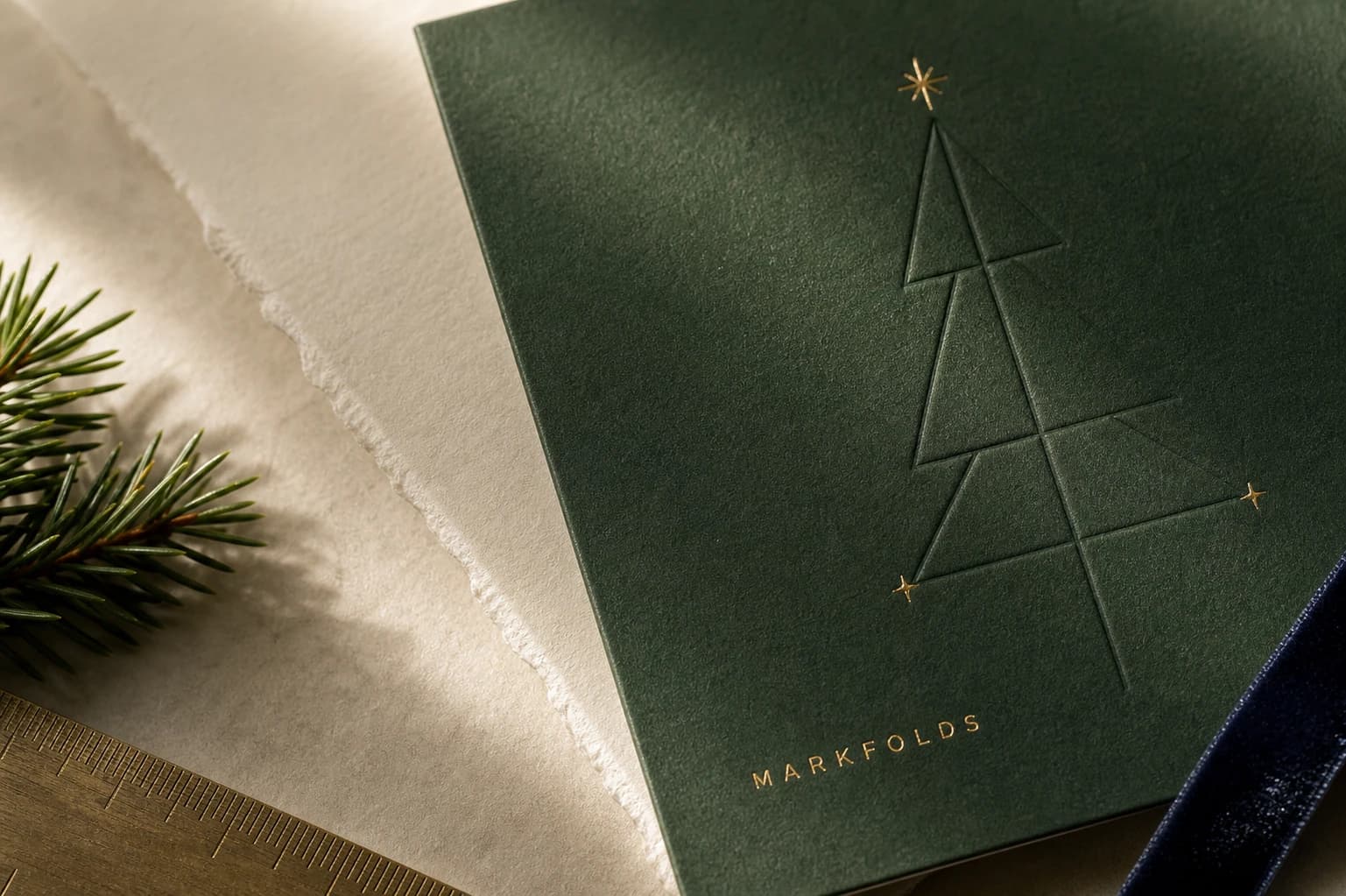
Illustrative material direction only; confirm paper, foil, embossing, trim, and proof requirements with the selected provider.
Personalized Christmas card FAQs
Should a business say Merry Christmas or Happy Holidays?
Use “Merry Christmas” when it fits the known audience and sender voice. For mixed clients, partners, or colleagues, a neutral line such as “Happy Holidays” or “Season's Greetings” may be clearer. Choose one tone, keep it short, and have the sender approve it.
Does MARKFOLDS have a Christmas Card preset?
Choose Holiday greeting card, then Christmas in the Holiday selector. This selects the occasion for your brief, not a gallery of finished Christmas templates. Add the approved message and artwork direction, then review both generated sides.
Can MARKFOLDS make photo Christmas cards?
You can add one PNG or JPEG reference image, up to 1 MiB and 2048 × 2048 pixels, to guide both card sides. Reattach it after reload or sign-in. A reference does not guarantee unchanged photo placement, exact likeness, or a multi-photo collage.
Does MARKFOLDS print or mail Christmas cards?
No. MARKFOLDS provides supported digital artwork files under current Product Facts and plan conditions. Confirm dimensions, files, paper, finish, proofing, printing, and mailing with the selected provider.
Create a card that belongs to the sender
For business holiday greeting cards, match the audience, message, and brand style. Use the same brief for custom holiday cards. Browse the MARKFOLDS Guides, or start a card brief after you approve copy.
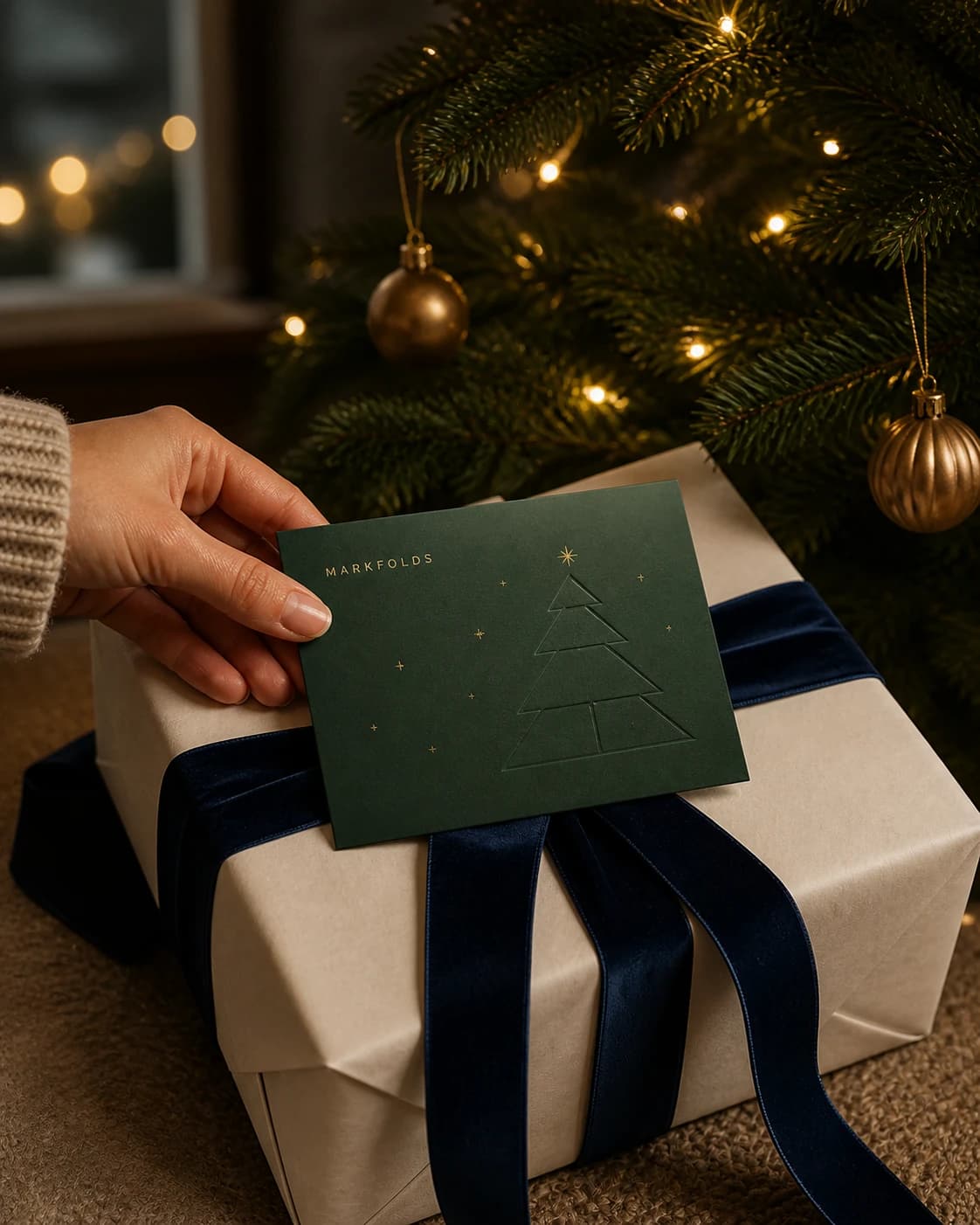
Illustrative Christmas card and gift presentation concept; not printed customer work.