How can I design personalized thank you cards for my business?
Choose one purpose and a short message. Give the Front and Back separate roles, use consistent brand details, generate the pair, and review the supported file.

Printable thank-you card maker / Small business
Create coordinated Front and Back card designs for an order or package. Add one custom message, your store details, and a visual direction. Review both sides, then download a supported file.
Create your thank-you card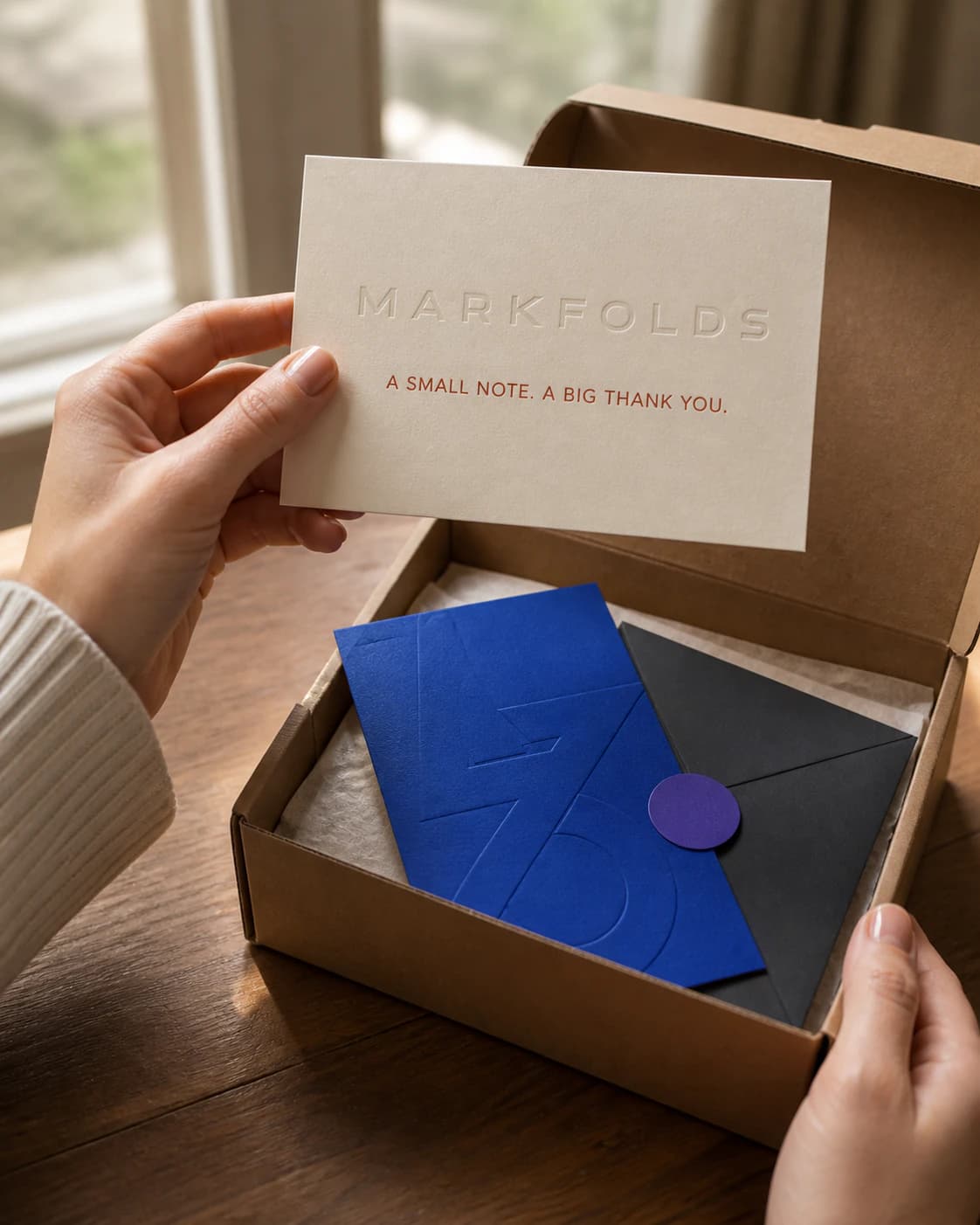
Give the card one job. Use the Front for the thank-you and brand cue. Use the Back for one helpful detail, such as care, support, reordering, or a labelled QR link.
In MARKFOLDS, choose Thank-you insert, add your details, generate the pair, and review it. Download PNG or use SVG when that option appears for the saved artwork.
Choose a size that fits the real package. Then check the file against your printer's current rules. Generation and export options follow current Pricing and Product Facts.
Business thank you cards should be easy to understand at a glance. Welcome a first order, thank a regular customer, or continue one useful instruction. Use the business name exactly as it should appear. Keep the main line short.
For message ideas, read 12 business thank-you messages for customers. Verify every product, care, offer, delivery, and eco claim before using it.
Use the Front for recognition: the brand, the thank-you, and one visual cue. Use the Back for the next step. This could be a care note, support path, reorder link, or QR destination. Review the pair together so the two sides tell one clear story.
See the Front and Back package insert guide for more examples.
To personalize thank you cards, use consistent store details, colors, type, and imagery. A clear visual direction keeps custom business thank you cards and personalized business thank you cards easy to recognize. MARKFOLDS uses store-level details; it does not merge a different customer name into every card.
A short handwritten note can add a personal touch after printing.
Small thank you cards need shorter copy. For layout ideas, compare the Front-and-Back template structures. For a seasonal example, open the personalized Christmas card guide. Add supported social media details only when they help the card's job.
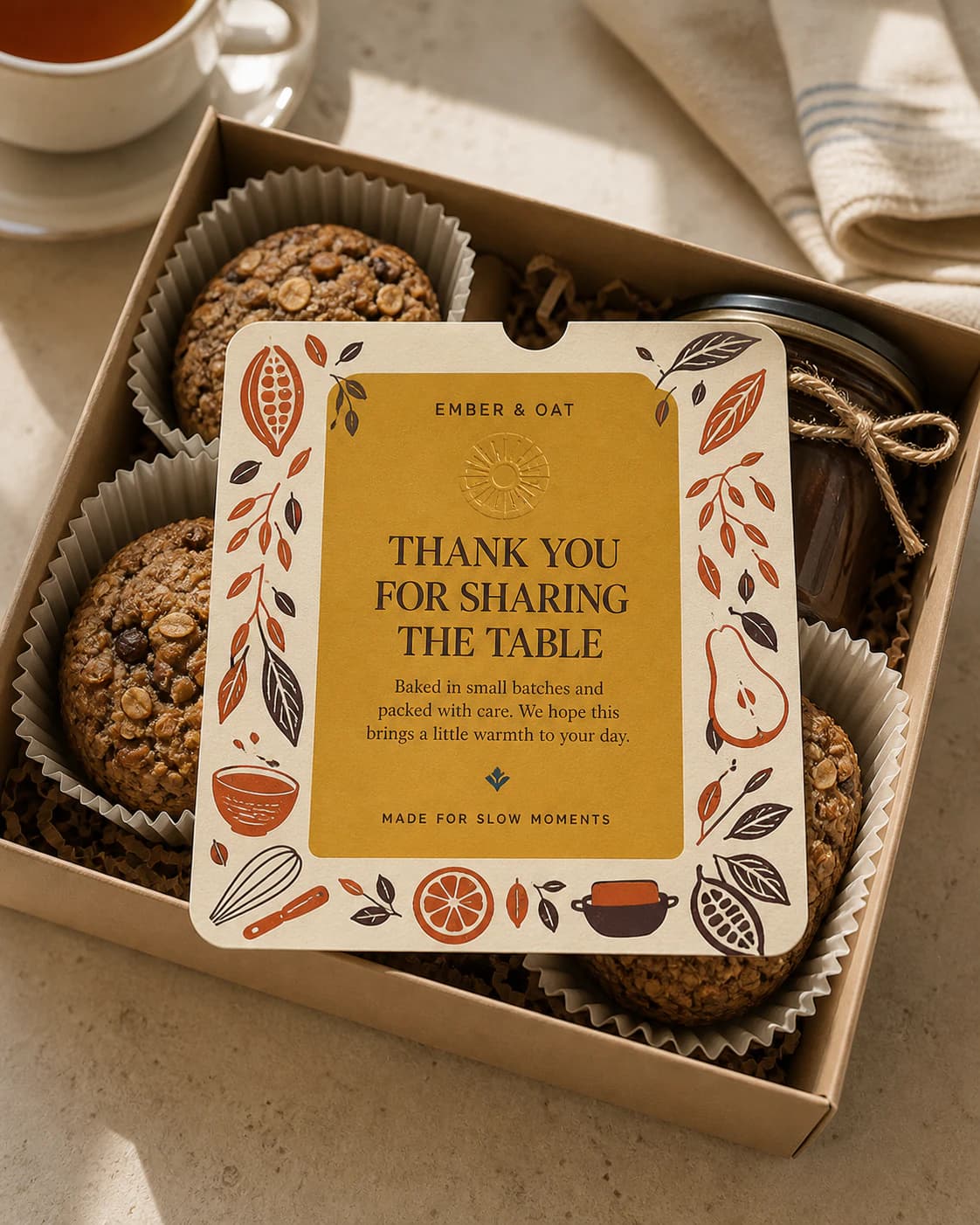
Measure the smallest package that will carry the card. Make a paper sample at finished size and place it with the product. Check that it lies flat and stays readable. Use the thank-you card size guide and package insert size guide before choosing the final format.
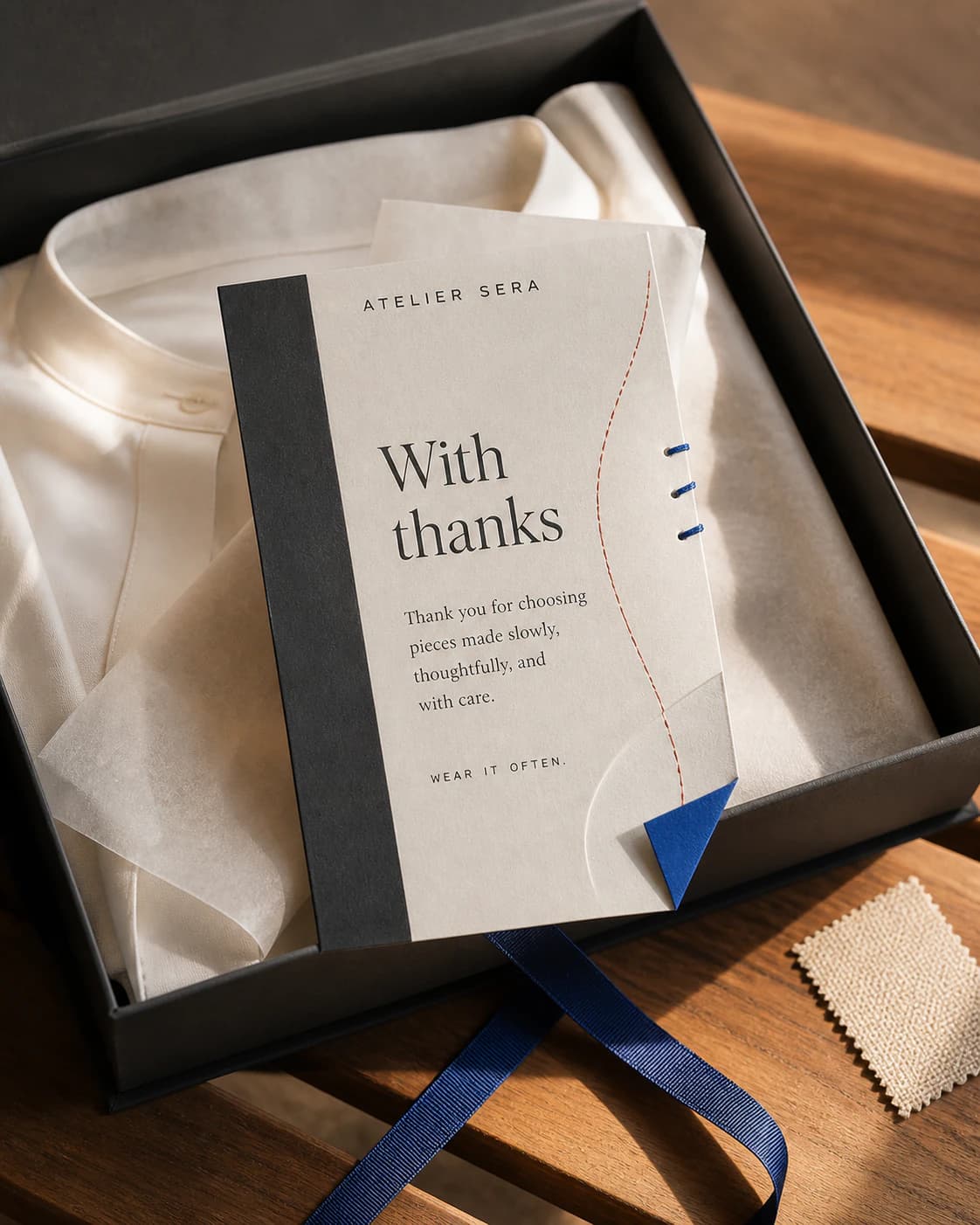
MARKFOLDS can place a static QR code for a URL you provide. Label what opens. Keep clear space around the code, then test the exported artwork and printed proof on several phones. Follow the package insert QR checklist.
Check spelling, small text, URLs, and the QR destination. See Quick Tips for the current workflow and Product Facts for delivery details.
PNG is the current raster option. SVG is available only when shown for the saved artwork. Ask your printer for its size, bleed, safe area, color, resolution, and file rules.
Use professional layout or prepress help if the job needs a dieline, CMYK, spot colors, PDF/X, or final preflight. Review Pricing before export. Ask the printer to confirm turnaround in business days.
Choose one purpose and a short message. Give the Front and Back separate roles, use consistent brand details, generate the pair, and review the supported file.
It needs a clear size, readable copy, and enough room for the approved message. Check it against the selected printer's current template and rules.
The current workflow supports PNG and eligible SVG. Check the options shown for the saved design.
Yes. Add a static QR for your URL, label the destination, and test the final printed proof.
No. MARKFOLDS creates digital Front and Back artwork. Arrange printing, mailing, and fulfilment separately.
It can acknowledge an order and make one useful step easier to find. Results depend on the wider product and customer experience.
Turn one approved message into coordinated Front and Back artwork. Open the thank-you card Generator.