
Text for a Graduation Card: Short Messages and Design Ideas
Graduation card guide / Reviewed October 18, 2026
Start a graduation card with congratulations. Add one true detail if it fits, then sign your name. Check the graduate’s name, course and year before using them. Keep the main greeting short. Plan the Front and Back as separate artworks, with a longer personal note elsewhere.
Choose what to write in a graduation card
The aim is to celebrate the graduate. This guide covers a greeting, not an event invite or an announcement from an organiser. A personal card does not need guest details, event times or RSVP instructions.
Before you choose the text for graduation card artwork, answer four small questions:
- Who is the card for, and how do they write their name?
- What have they completed, and which details are safe to share?
- Who is sending the card: one person, a family or a team?
- Will the artwork carry one short line or a short line and a note?
Use only what you know. A degree, course title or year can make a message more personal. Each also adds a chance for an error. Check the spelling with the graduate or a trusted source. Leave uncertain details out.
Then pick one main thought. You could mark the day, name a real achievement or share a kind feeling. You do not need all three. For example, “Congratulations on your graduation” works without a life story or a promise about what comes next.
Keep private details out of shared images. A story about study, money or family life may belong in a private note, not on the card. Ask before adding a school name, photo or personal memory.
Eight graduation card messages to adapt
Use these original wishes for graduation cards as a starting point. Choose a pair that fits your bond. Replace the brackets with checked details. The columns suggest a layout, not a preset or a promise about where generated text will appear.
| Tone or sender | Front greeting | Back note |
|---|---|---|
| Simple | A moment worth celebrating. | Congratulations, [Name]. With warm wishes from [Sender]. |
| Name-led | Happy graduation, [Name]. | Glad to celebrate this day with you. From [Sender]. |
| A checked course or award | Celebrating your [course or award]. | Congratulations on your graduation, [Name]. From [Sender]. |
| For a friend | A cheer for you. | Sending graduation wishes and a smile. From [Friend]. |
| From family | Proud to celebrate you. | With love on your graduation, [Name]. From [Family]. |
| From colleagues | Congratulations from the team. | Warm wishes on your graduation from [Team]. |
| Gently playful | Congrats, grad! | A graduation cheer from me to you. From [Sender]. |
| Celebrating from afar | A cheer from here to you. | Sending congratulations on your graduation. From [Sender]. |
A Front line can stand on its own. Add the Back note only when it brings something useful, such as the sender’s name or a personal wish. Avoid saying the same thing twice just to fill both sides.
For a longer graduation card message, build on one line: “Congratulations on your graduation, [Name]. I loved hearing about [shared detail]. With warm wishes, [Sender].” Use the detail only if it is true and welcome. Remove the brackets before you share the file.
Choose graduation words for your relationship
A card for a graduate should sound like its sender. A close friend may use a phrase from a shared joke. A colleague may prefer a warm, plain line. A group should choose words that everyone signing can support.
For someone close, “I’m proud of the person you are” can say more than a list of grades. Use it only if it reflects your bond. A distant contact can offer warm wishes without speaking as though they know the graduate’s whole story.
For a daughter, use the name and tone you use with her. Try “With love on your graduation, [Name]. So glad to celebrate you.”
“Watching you grow has meant so much to me” fits only if you share that history. Add a memory only with care. Do not assume her age, study experience or plans.
For high school graduation messages, a simple line can fit: “Happy graduation, [Name]. Enjoy your day.” Use this only when you know the stage. Do not guess the graduate’s age or next course.
The same check applies to a known college, university or training course. Use the name the graduate uses for their award. If the stage is unclear or private, leave it out. A general greeting can still feel personal.
You may know what helped someone reach this milestone. Name one real detail, not a story you infer from the fact that they graduated. Use “years of hard work” only when that matches what they have told you.
Keep it short, sincere or gently funny
Choose the tone before you add more words. Plain card messages suit many kinds of relationship. A short line does not need to sound cold; a name and a clear sender can make it warm.
Short and simple
“Happy graduation” is a casual greeting. “Congratulations on your graduation” sounds more formal. “Congrats, grad!” is playful. Pick the version you would say to this person. Read it aloud and change any word that feels unlike you.
For a two-sentence note, use one sentence to celebrate and one to add a true thought. Try “Congratulations, [Name]. I enjoyed hearing about your [project or course].” Do not add an unverified detail just to make the note longer.
Use a quick edit before you make the artwork. Cross out repeated wishes. Replace a broad claim with one real detail. Read the note without the design in view. The words should still make sense on their own.
For example, shorten “I just wanted to take this chance to say congratulations” to “Congratulations, [Name].” Keep the thought, not the padding. If you have two messages, choose one for the card. Put the other in a separate note.
Warm and hopeful
An inspirational graduation message can stay grounded in the present. Try “Take a moment to enjoy what you've accomplished.” There is no need to predict a career, wealth or a perfect future. Let the graduate choose what comes next.
“Wishing you success and happiness, in the ways that matter to you” offers a wish, not a result. Keep it only if it sounds natural for your relationship. A simple “Sending warm wishes” is also enough.
If they have shared a next step, you could add “Good luck with your [course or plan].” Check that the detail is still current. If their plans are unknown, avoid naming one or pressing them to explain.
Gentle humour
Funny graduation messages work best when the graduate enjoys that joke. “Congrats, grad!” keeps the humour light. Avoid jokes about grades, debt or job prospects unless you are sure they would welcome them.
Do not turn a greeting into a lesson. Skip comparisons with siblings or classmates. If a joke needs a long explanation, choose a kinder line. The card should celebrate the graduate, not test whether they can laugh at a sore point.
Plan a clear Front and Back
Give the Front one main greeting. Add a name only if it stays easy to read. Leave space around the words. A small star or leaf can support the message without competing with it.
Use the Back for a short note and a sender line. Repeat a colour or small motif to connect the sides. Keep the same orientation on both artworks. A calm layout gives the reader a clear place to start.
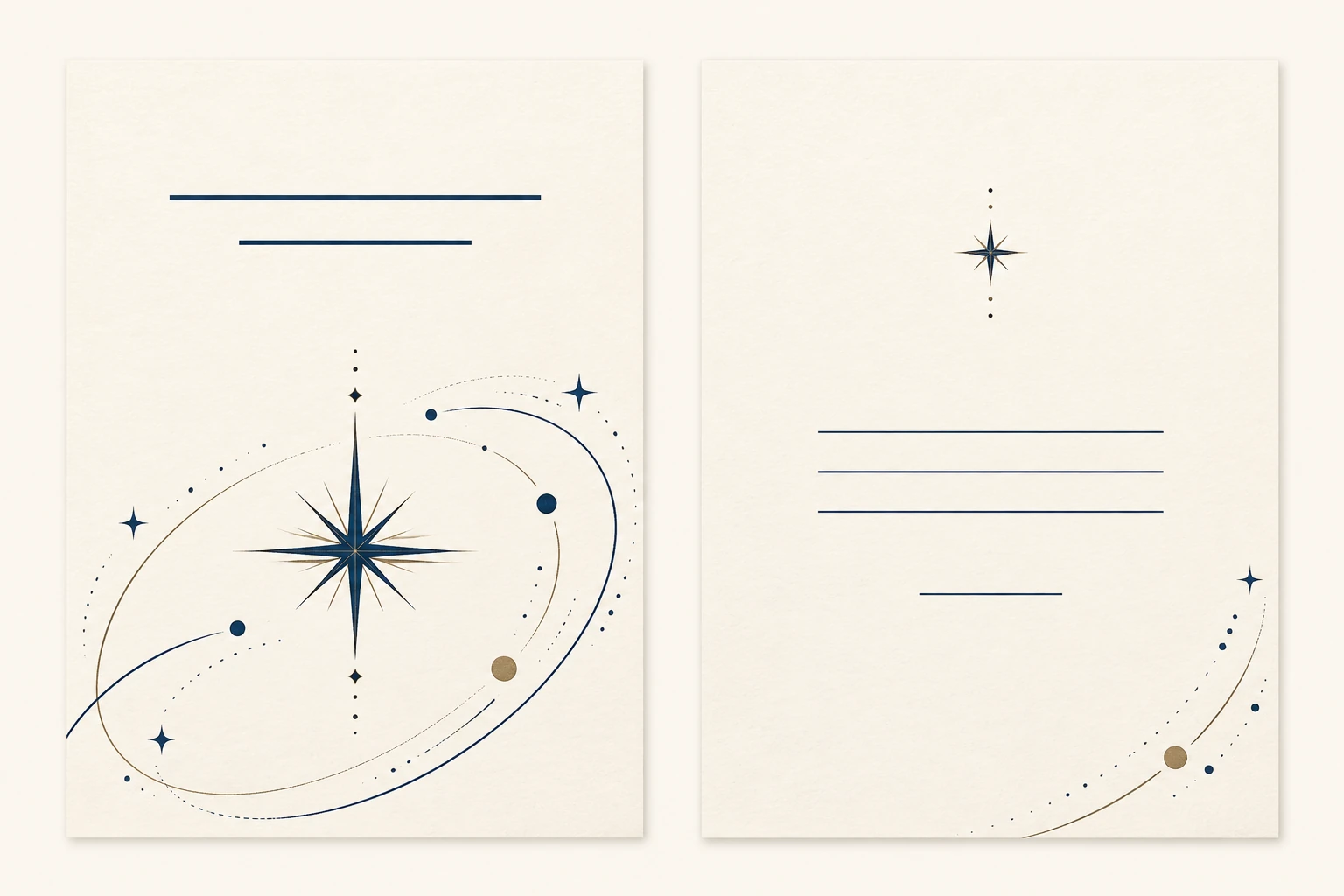
In a graduation card design, clear text matters more than extra detail. Use dark letters on a light area, or the reverse. Avoid small words over a busy picture. Keep a long name on a line where it has room.
Check the pair at the size you plan to use. Then look on a phone and a larger screen. Can you read the name without zooming? Is the sender clear? Does one side feel much denser than the other? Trim the note before shrinking all the text.
These are separate Front and Back artworks, not an inside spread. A complete folded-card layout needs its own planning. Use the greeting card size guide for format questions. Ask your printer to confirm any physical file needs.
Make and check your digital artwork
In MARKFOLDS, sign in and choose Others. Describe the purpose, such as “Graduation congratulations card with a small blue star.” Others accepts 3–120 characters. This is a custom description, not a Graduation preset.
Put one approved short line in the optional Slogan field. Keep it within 80 characters. MARKFOLDS may leave it out if it does not fit. Check the result. The workflow does not guarantee exact words or placement.
Choose the available format, colours and style. Then inspect Front and Back. Follow the first-card workflow for the current steps. Keep a longer personal message in a separate note rather than treating Slogan as a full letter.
Before confirming the saved version, check the name, any course or year, and the sender. Remove leftover brackets. Read every generated word. Check the download as well as the preview; a good-looking layout does not prove the text is right.
Current output options are explained in Product Facts and Pricing. PNG and conditional SVG do not promise printer approval. Some visuals may not remain editable vectors. Printing, posting and automatic sending are not part of this workflow.
Frequently asked questions
Does MARKFOLDS have a graduation card preset?
No. Choose Others and describe a graduation congratulations card. Others lets you state a custom card purpose. There is no dedicated graduation preset.
How do I add a short graduation greeting?
Put a greeting of up to 80 characters in the optional Slogan field. MARKFOLDS may leave it out when it does not fit. Check the text on both sides. Keep a longer message in a separate note.
What files can I download?
MARKFOLDS supports PNG and conditional SVG. Availability depends on the saved artwork and plan. Some visuals may not remain editable vectors. Ask your printer to approve the file for their process.
Does MARKFOLDS print or send graduation cards?
No. MARKFOLDS provides digital card artwork. You handle printing, a folded-card layout, mailing or sending through your own service. The workflow does not include RSVP or automatic delivery.
Ready to turn your short greeting into artwork? Open the MARKFOLDS card generator, sign in and choose Others. Keep your checked words nearby. The link does not prefill a graduation card.