
Father's Day card design guide / Reviewed October 7, 2026
Father's Day Card Designs: Ideas and Simple Layouts
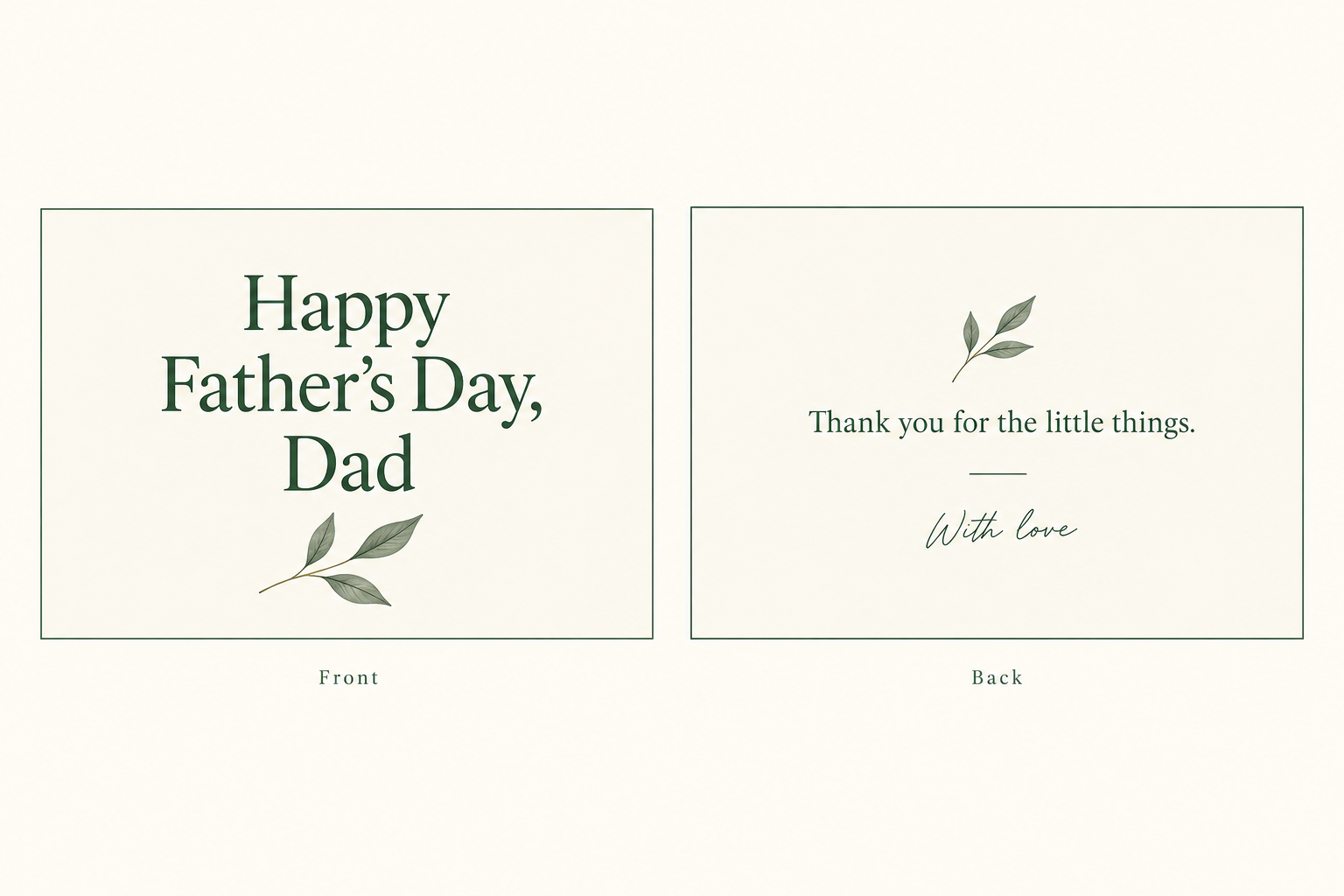
Father's Day card designs work best with one clear greeting and a personal touch. Choose short words, a simple motif and a readable layout. Plan the Front and Back together.
Choose the words before the design
A happy Father's Day card can feel warm, funny or quiet. Choose a tone that suits the person. Write a line you would say aloud, then check the name and spelling.
For a Father's Day card for Daddy, try “Thanks for all the little things, Daddy.” Father's Day cards for Papa can use “Happy Father's Day, Papa” when that is his preferred name.
For a hobby card, name a real shared activity. A walk, a garden or a weekend game can shape the motif. Keep the detail simple so the words stay clear.
Keep a long private memory in a separate note. A short message gives the artwork room to breathe.
Six Father's Day card ideas you can adapt
These Father's Day card ideas are original layout plans, not product presets or a template library. Choose one direction and adapt the words.
| Direction | Front plan | Back plan |
|---|---|---|
| Words first | “Happy Father's Day, Dad” with open space. | A short thank-you and the sender. |
| Gentle and cute | “A little card, with love” beside a leaf. | “Thanks for being you” and a sign-off. |
| A shared hobby | “To my favourite walking buddy” with a path motif. | One true memory and the sender. |
| A light joke | “Dad jokes. Still a classic.” with a quiet border. | A warm wish to keep the joke kind. |
| A first-time dad | “Your first Father's Day, with all our love.” | A brief family message. |
| Calm and simple | “Thank you, Dad” in clear words. | “For the care you give” and the sender. |
For cute Father's Day cards, use one small motif. A first Father's Day card can use a star or leaf without adding a photo or invented date.
Read the greeting aloud. A kind joke should sound natural for your family. Keep anything that needs a long explanation off the card.
Give each side one clear job
Place the greeting on the Front and a short note on the Back. Use a shared colour or motif. Check contrast and small text at the intended size.
The two surfaces are not a folded-card print layout. Confirm folds and panel order with your printer. Our greeting card size guide explains the measurements.
Make Father's Day card artwork in MARKFOLDS
MARKFOLDS turns a card brief into digital Front and Back artwork. An easy Father's Day card starts with an approved line and a simple design plan.
- Sign in and choose Others.
- Describe the purpose: “A Father's Day card for Dad, with a small green leaf.”
- Add “Happy Father's Day, Dad” in Slogan.
- Choose the available format and visual options.
- Generate, inspect both sides and confirm the saved version.
Slogan accepts up to 80 characters. MARKFOLDS uses it when it fits the chosen format. Check every generated word and revise the brief when needed.
Follow the first-card workflow for the current steps.
Check the file before sharing
Open the downloaded artwork. Read both sides, check the sender and inspect small text. Share the reviewed image through your own channel.
For current PNG and conditional SVG details, see Product Facts and Pricing. A file extension alone does not meet every printer's requirements.
Frequently asked questions
Can I make a Father's Day card online with MARKFOLDS?
Yes. Choose Others, add a short approved Slogan and review both sides. MARKFOLDS creates digital artwork. It has no dedicated Father's Day preset or automatic ecard sending.
How can I make a first Father's Day card feel personal?
Use a short line such as “Your first Father's Day, with all our love.” Check the family name and keep details true. Add one simple motif.
Can I download my Father's Day card as SVG?
Download SVG when the saved design and your plan offer it. Some visuals do not stay editable vectors. MARKFOLDS also supports PNG. Check the actual downloaded file.
Does MARKFOLDS print or send the card?
No. You share the artwork or arrange printing and sending separately. MARKFOLDS does not supply native PDF or CMYK files. Ask your printer to approve the final file.
Open the MARKFOLDS card generator and begin with one short greeting.