
Easter Card Design: Ideas, Messages and a Clear Layout
Easter card design starts with a short greeting and one clear visual idea. Choose the words first, then give them room to stand out.
MARKFOLDS creates coordinated Front and Back digital artwork. Choose Holiday greeting card → Easter, describe the look and review both sides. You arrange any printing or sending separately.
Choose a greeting for the person
A happy Easter card can be warm, calm or gently playful. Pick a tone that suits your recipient. Add a personal touch with a brief note in your own words. A friend may enjoy a light joke; a customer may prefer a simple seasonal wish.
Keep Easter greeting cards focused on the greeting. Use the Front for a short headline. Let the Back carry a brief personal note and your name. Leave offers and unrelated news for another message.
Short messages for happy Easter cards
Use these original pairs as a starting point. Adjust the words to your relationship.
| Front | Back |
|---|---|
| Happy Easter. | Wishing you a bright day and a restful weekend. |
| A little spring cheer. | Sent with warm thoughts from us to you. |
| Here’s to fresh starts. | May the season bring good moments to share. |
| Easter wishes, just for you. | Hope your day has room for a little joy. |
| A small note, a warm wish. | It is lovely to have you in our lives. |
| Joy, without the rush. | Take a moment for the things you enjoy. |
Read the pair aloud. Remove words that sound formal or vague. An Easter Sunday card needs a clear greeting more than a long poem.
Easter card ideas: three layouts to adapt
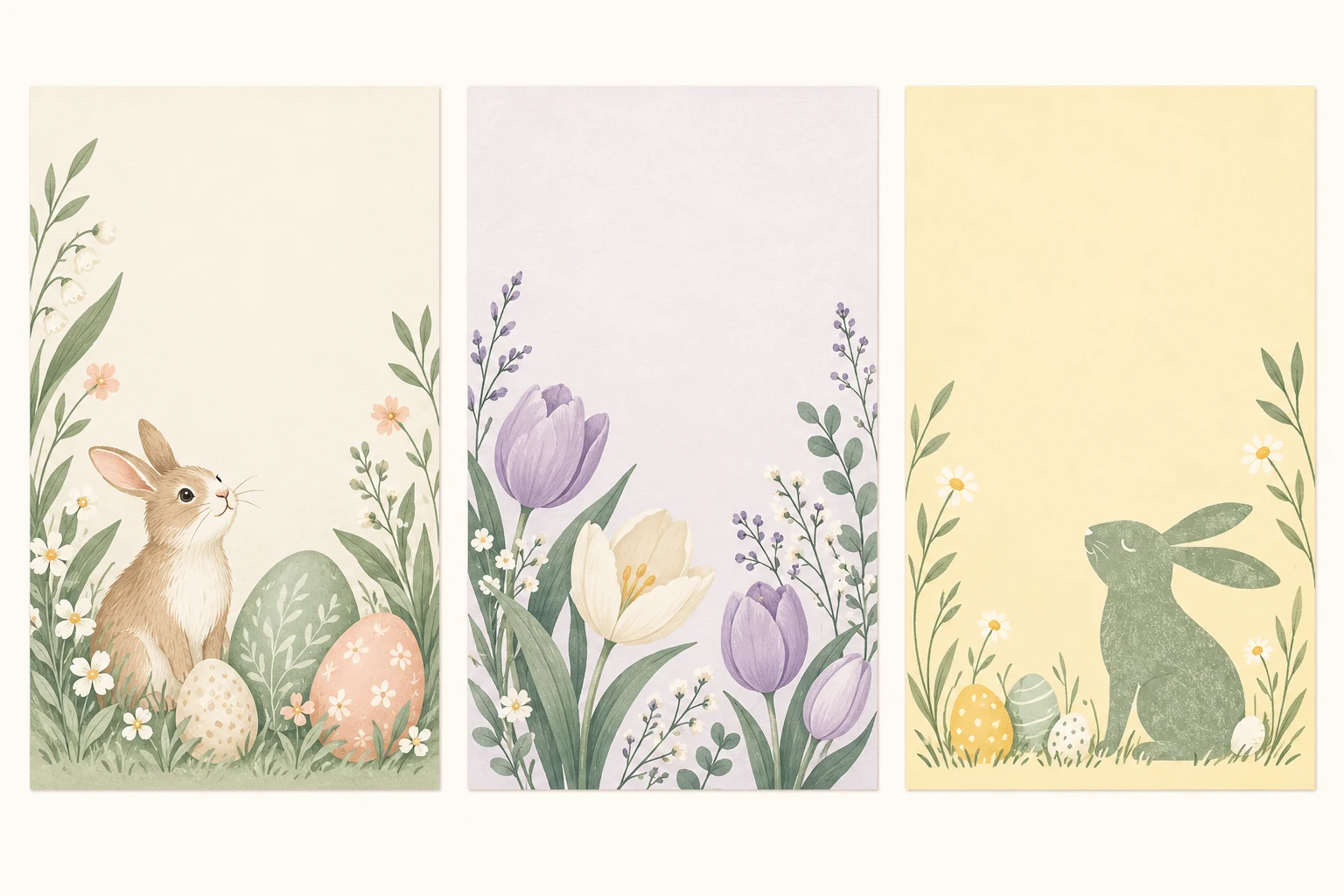
Build your Easter card designs around one motif. Repeat a small colour palette across both sides.
| Concept | Front | Back |
|---|---|---|
| Quiet floral | A small flower border around a short greeting. | Open space for a warm note and sign-off. |
| Pastel eggs | Two or three Easter egg shapes beside the headline. | One small egg accent below the message. |
| Playful bunny | A simple bunny silhouette with a light greeting. | A brief reply and a clear sender name. |
For a fun Easter card, let one small visual joke do the work. Keep the words easy to read. Pale colours need enough contrast against the background.
These are design briefs, rather than files to download. Use them to describe the artwork you want.
Choose Easter pictures that fit the greeting
Start with the result you need. For existing designs, browse a dedicated Easter card collection. Use a photo layout editor when you need your own photograph in a fixed position.
MARKFOLDS suits a brief for generated card artwork. It has no stock-photo search or Easter template gallery. Describe the subject, colours and open space you want, then inspect the result.
Check the image at the size you will use. Look for sharp shapes, clean edges and space around the words. Reject stray marks, unreadable letters or a busy background. If you use an image from another source, check that source’s stated usage terms.
Create your Easter card in MARKFOLDS
- Enter the required Brand or project name.
- Choose Holiday greeting card, then select Easter.
- Add a short Front line in Slogan. Describe your motif and Back message in Artwork direction.
- Review the available format, palette and style choices. Keep the layout simple.
- Generate and check Front and Back together. Review spelling, line breaks, balance and the sender name.
- Revise the brief if needed. Check the new pair before you confirm the design.
For example: “Pastel egg shapes on ivory. Front: Happy Easter. Back: Wishing you a bright day, from River Studio. Keep both sides open and calm.”
Exact wording and placement can vary. Inspect every word before using the card. See how to make your first MARKFOLDS card for the current workflow.
Check and export the finished artwork
Open the downloaded files as well as the previews. Check both sides at the final size. Keep small text and key shapes clear of the edges.
Download PNG, or use SVG when the saved artwork and current plan show that option. Some visuals may not remain editable vectors. Check Product Facts and Pricing for current delivery details and allowances.
To share online, attach the approved PNG in your own email or messaging service. MARKFOLDS does not send the card for you.
For printed Easter cards, confirm the printer’s dimensions, bleed and file requirements. Separate Front and Back artwork is not an automatic folded-card production file. Use the greeting card size guide for format planning, then obtain the printer’s approval.
Frequently asked questions
How can I get suitable Easter artwork for a greeting card?
Use an existing card collection if you want to browse designs. For generated artwork, choose Holiday greeting card → Easter in MARKFOLDS and describe one motif. Review the result for clear shapes, readable words and enough space around the greeting.
Can I download my Easter card as SVG?
Use SVG when the saved artwork and your current plan show that option. Check the actual file; some visuals may not remain editable vectors. PNG is also available.
Does MARKFOLDS print or send Easter cards?
No. MARKFOLDS creates digital artwork. You arrange printing and sending separately. You can attach an approved PNG in your own email or messaging service, but MARKFOLDS does not automatically deliver an ecard.
Open the card generator, choose Easter and start with one short greeting.