
What to Put on a Business Card: A Front-and-Back Guide
A useful business card tells someone who you are, what you do, and the easiest way to contact you. Put your name, business or brand name, a clear role or service description, and one or two current contact details on the front. Use the back of the business card for one supporting idea: a short positioning line, a website, or a labelled QR code. It is also fine to leave the back blank. The best business card design is not the one with the most information. It is the one a new contact can understand and act on in a few seconds.
Reviewed
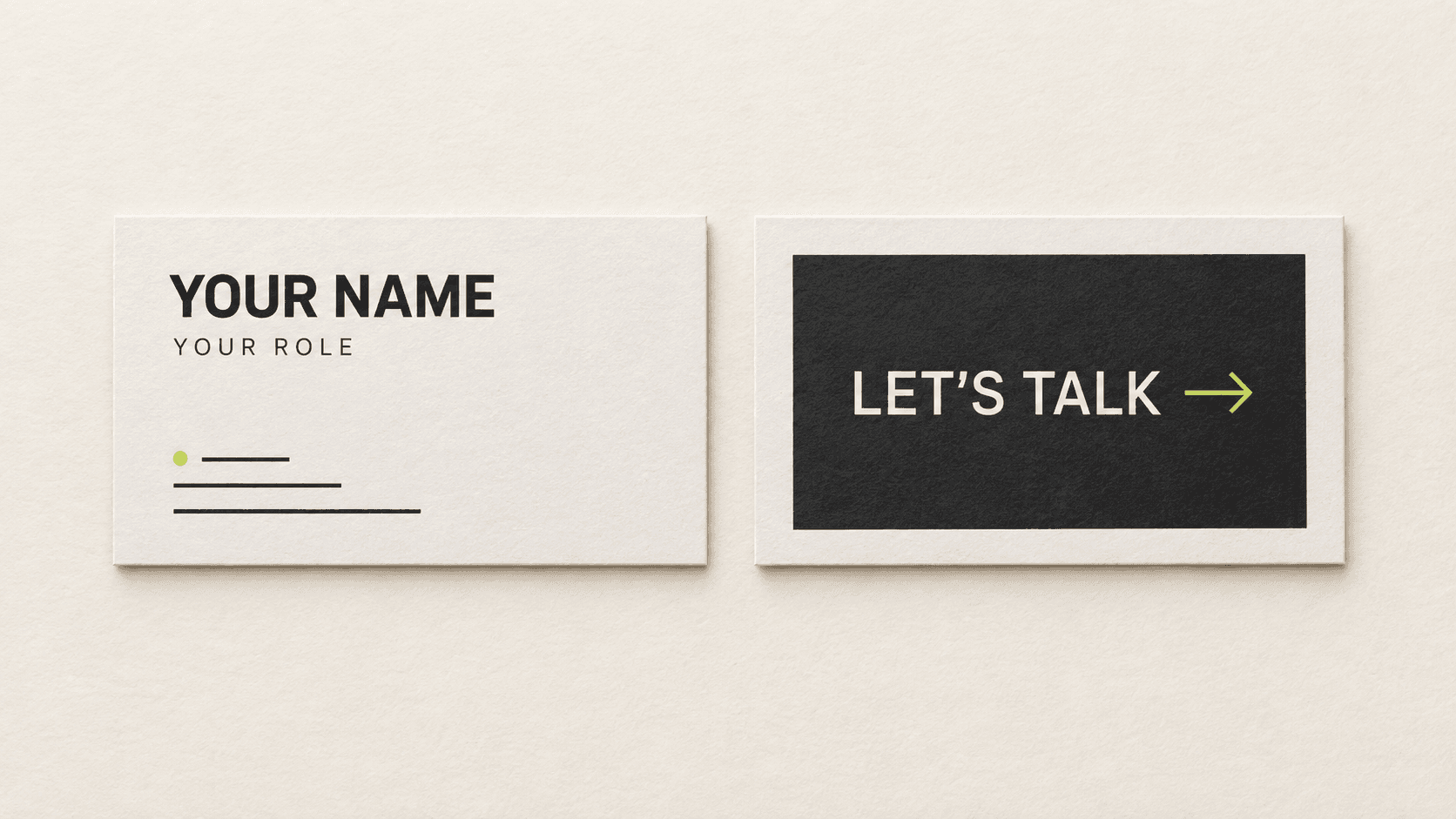
Start with the card's purpose
Before choosing fonts or colours, decide what should happen after someone receives the card. A consultant may want an email; a shop owner may want a website visit. Write that goal in one sentence, then remove details that do not support it. This protects white space and keeps the main action clear.
Essential elements to include on a business card
1. Your name
Use the name you use in business conversations. If the business is the main point of recognition, the brand name can be more prominent while your name remains visible.
2. Business or brand name
Keep the spelling and capitalisation consistent with your website. A logo can support recognition, but it should not replace a readable business name.
3. Job title or service description
Use a job title when it explains your role. If it is vague, use a short service description instead, such as “Product Photographer” or “Wedding Florist.”
4. One primary contact route
Choose the contact route you actually monitor: an email address, phone number, booking page, or contact page. Add a second route only when it serves a different need.
5. A useful website or social profile
Include a website when it helps someone verify your work or take the next step. Add a social profile only when it is current and relevant. Use a readable address, not a long tracking link.
Street address, opening hours, and credentials are optional. Include them only when accurate and useful.
What to leave off
A business card is not a complete company profile. Avoid old contact details, personal information that does not need to be public, temporary offers that will expire, and long lists of services. Do not add every social network just because an account exists. Avoid tiny legal copy unless it is genuinely required.
Remove repeated information. If a labelled QR code opens the printed website, decide whether both are useful. If not, give the space back to the main message.
Front and back of business card options
The front should handle recognition and contact: business name or logo, your name, a useful role or service description, and the primary contact details. Keep the order obvious: identity, context, action.
The back should have one job. Choose one of these options:
- Leave it blank. A blank back can look intentional and gives the recipient room to write a note.
- Add a short positioning line. Use one specific sentence that clarifies the work, not a vague slogan.
- Offer one next step. Add a website, booking route, or labelled QR code with wording such as “View the portfolio.”
A QR code needs a clear destination and label. MARKFOLDS creates static URL QR codes, so test the code before sending the design to a print provider. See the QR code placement guide and the related front-and-back package insert guide.
Three fictional content examples
Independent consultant
Front: Maya Chen, Operations Consultant, maya@example.com, example.com. Back: “Practical systems for small teams” and no second contact route.
Online product brand
Front: North & Field, Everyday Desk Goods, northandfield.example. Back: A labelled QR code reading “See the current collection.”
Local service business
Front: Rowan Studio, Product Photography, one phone number and one email address. Back: Blank, leaving room to write a project date or referral note.
These are illustrative examples, not customer results.
What about a vertical business card?
Vertical business cards can work when content is short and the reading order remains natural. A vertical business card changes the composition, not the content priority. Size, orientation, pixels, and supplier specifications belong to the business card size guide.
Build the layout in MARKFOLDS
- Write the card goal and select the essential details.
- Rank each detail as primary, secondary, or optional.
- Place identity and contact information on the Front.
- Choose one Back treatment: blank, positioning line, or one action.
- Review every name, number, address, URL, and QR destination.
MARKFOLDS is a web-based design workflow for digital card designs. It supports separate Front and Back design steps, PNG downloads, and conditional paid SVG downloads for eligible vector-safe designs. It does not provide physical printing or postage. SVG is not available for every artwork. Check the current Product Facts and Pricing before choosing an export, then open the generator and select the closest card type for your project.
Final business card checklist
- Can a new contact identify the person or business immediately?
- Does the job title or service description explain the relevance?
- Is there one obvious way to make contact?
- Are all names, phone numbers, email addresses, and links current?
- Does the back support one purpose instead of repeating the front?
- Is the text readable with enough white space?
- Has every QR code and URL been tested?
- Have the final dimensions and print requirements been confirmed with the chosen provider?
Frequently asked questions
What information should be on a business card?
Include your name, brand name, clear job title or service description, and one primary contact route. Add a website or social profile only when it supports the next step.
What information should I avoid putting on a business card?
Avoid outdated details, unnecessary personal information, long service lists, temporary claims, and every contact channel. Remove anything that competes with the main action.
What should go on the back of a business card?
The back can stay blank or carry one supporting idea, such as a short positioning line, a website, or a labelled QR code. It should not repeat the entire front.
Is it okay to leave the back of a business card blank?
Yes. A blank back can create a clean professional image and provide space for a handwritten note. Use the back only when extra content has a clear purpose.
Should I put social media on my business card?
Include a social profile when it is current, professional, and useful to the recipient. Choose the strongest profile instead of listing every platform.
Can I add a QR code to a business card?
Yes, if the destination supports a clear action. Label the code, keep enough clear space around it, and test the final code. MARKFOLDS QR codes are static URL codes, not dynamic or editable destinations.