
How to design customer loyalty cards for your business
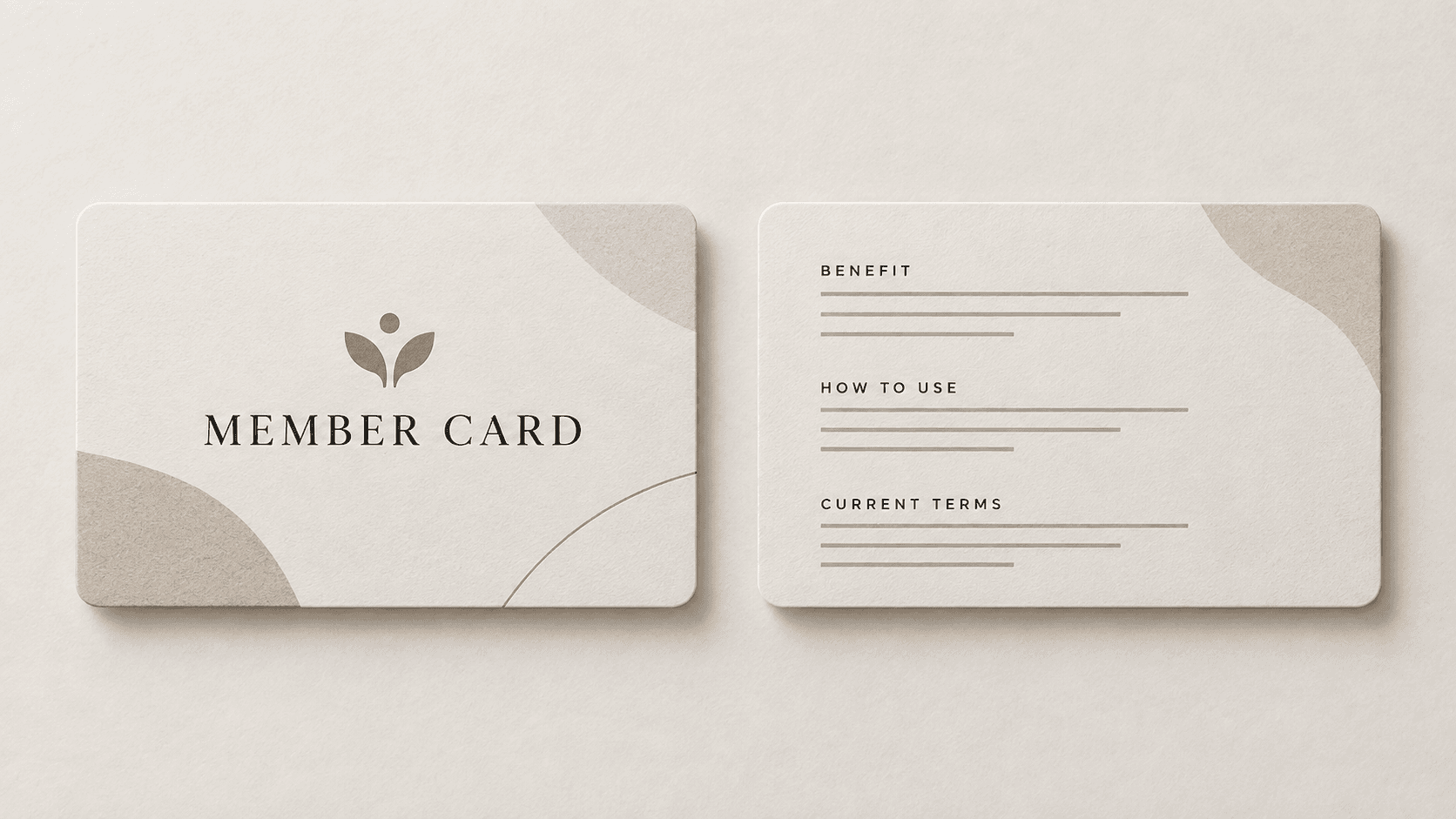
Good customer loyalty cards explain one verified benefit and one clear action. Put the brand and benefit on the Front. Put use steps, current terms, and an optional labelled QR destination on the Back.
Define the loyalty or rewards program before design begins. MARKFOLDS creates coordinated Front and Back digital artwork from approved business information; it does not operate the program or fulfil printed cards.
Reviewed
Plan the program and card roles
Document the approved benefit, eligibility, required action, current terms, and source URL. Pause the artwork if any fact is undecided. Whether it is called a loyalty card or reward card, the design must not invent a rate, free item, expiry date, or rule.
Custom loyalty cards can place the verified benefit on the Front and the approved action and terms on the Back. Keep conditions readable and make the two sides work as one sequence.
Record who approved the offer and when. Update the artwork whenever program rules change, so printed or digital cards do not keep an expired reward, date, or condition.
For more detail, see how to plan the Front and Back of a package insert and compare the package-insert layout frameworks.
Build a punch or stamp layout
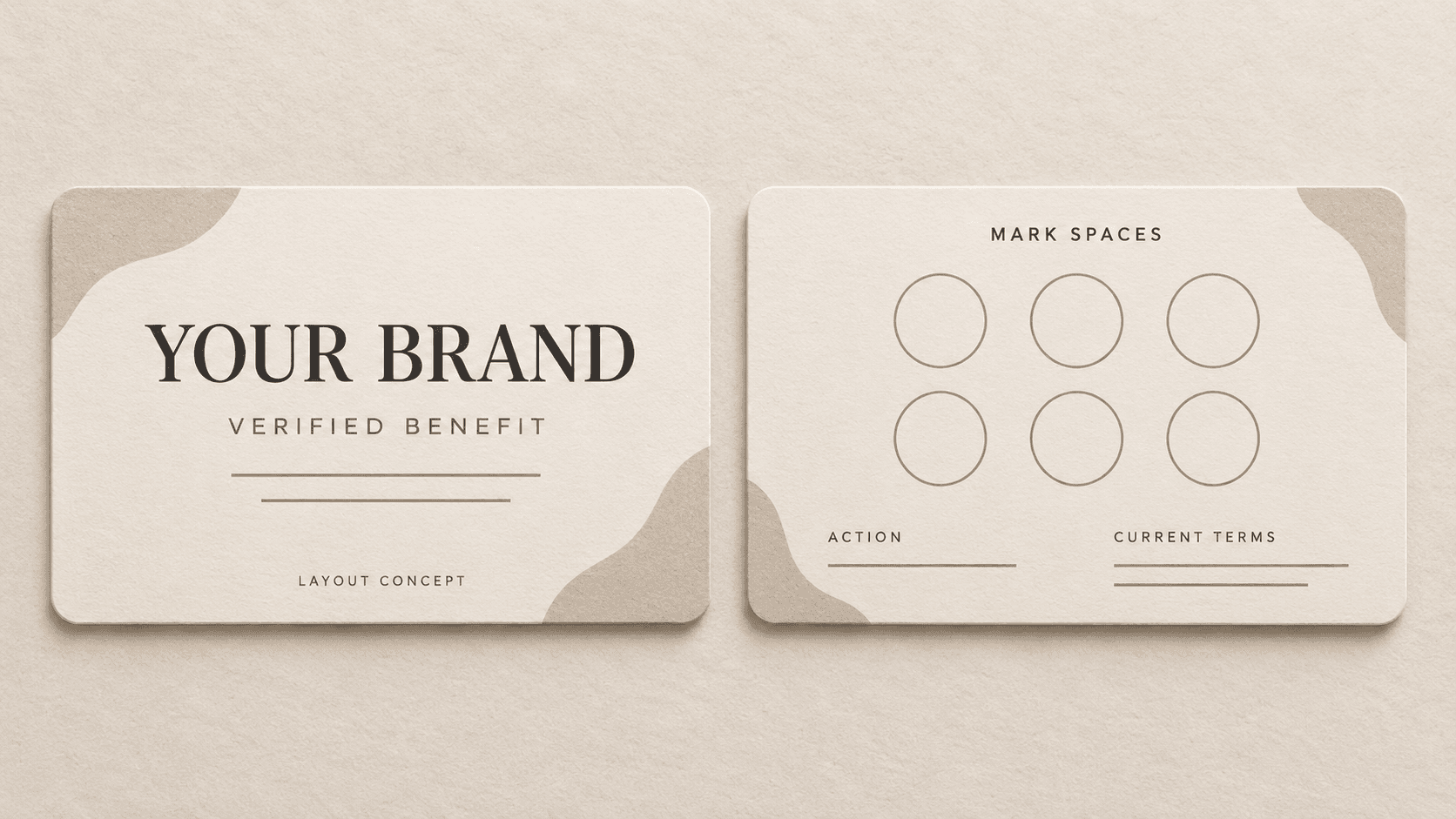
Punch cards for business need an approved reward and mark count before layout. Business punch cards can keep the benefit on the Front and place the mark grid, action, and terms on the Back.
Custom punch cards have no universal mark diameter. For paper punch cards, confirm the physical punch or stamp size and keep the grid inside the provider-approved safe area. Test a full-size sample so marks do not damage edges, cover nearby spaces, or hide instructions.
This is a loyalty card design task, not program operation. MARKFOLDS does not issue rewards, validate redemption, print, ship, punch, or stamp cards.
Coffee shop example: use
[Brand]and[verified reward]on the Front; use[approved mark spaces],[action], and[current terms]on the Back. Replace every bracketed item with approved information.
Prepare and verify the artwork
Before creating artwork, confirm:
- approved brand, benefit, action, and terms;
- a maintained terms or support URL and tested static QR, if used;
- target size and provider specifications;
- for a mark grid, the approved mark count and meaning;
- for a physical tool, its size, the provider-approved safe area, and a full-size test.
Label and test any QR code. MARKFOLDS can place a static QR for a supplied URL, but it does not manage destinations or scan analytics. See the static QR placement and testing guide.
Obtain the provider's current production requirements; the package-insert size guide offers a decision framework. Only the provider can confirm whether the final file fits its process.
Then open the Generator and choose Loyalty card. Review both sides together. Output includes PNG; SVG depends on plan, saved-artifact eligibility, and vector-safety conditions. Check Product Facts and Pricing before relying on a specific export.
Common questions about loyalty cards
How can I create an attractive loyalty card template for my business?
Make one verified benefit the focal point. Use consistent branding, readable type, contrast, and enough space. Give each side a clear role and review the card at its intended size.
What should be on a customer loyalty card?
Include the brand, one verified benefit, concise use steps, and current terms or a maintained terms URL. Add only tested contact or QR destinations supplied by the business.
Does MARKFOLDS run a loyalty program or track points?
No. MARKFOLDS creates card artwork. It does not manage members, customer data, points, real-time activity, redemption rates, rewards, or balances.
Can MARKFOLDS print or ship custom loyalty cards?
No. It creates digital artwork. Ask the chosen provider to confirm size, safe area, material, finish, color, and delivery requirements.
Can a loyalty card include a QR code?
Yes, for a supplied static URL. Label and test the destination. MARKFOLDS does not provide dynamic destination management or scan analytics.
What files can MARKFOLDS provide?
Output includes PNG. SVG depends on current plan and artwork eligibility. Check Product Facts and Pricing for current details.
How should I lay out a punch card for my business?
Keep the verified benefit on the Front. Put the mark grid, action, and readable terms on the Back. Confirm the provider-approved safe area and test a full-size sample with the intended tool.